
Introduction – Google Analytics AI Traffic Tracking
Artificial intelligence is changing the way people search online. Users are now finding answers through platforms like OpenAI ChatGPT, Google Gemini, Microsoft Copilot, and Perplexity instead of traditional search engines.
Because of this shift, Google Analytics AI Traffic Tracking has become one of the biggest priorities for SEO experts, marketers, publishers, and agencies in 2026.
If you are not tracking AI-driven traffic inside GA4, you are missing valuable insights about:
- Which AI platforms send traffic
- Which pages get AI visibility
- How users behave after landing
- Which content performs best in AI search engines
- How AI traffic impacts conversions
The latest Google Analytics AI search traffic update is helping marketers understand AI referrals better than before. In this guide, you will learn exactly how to set up, analyze, and improve AI traffic tracking in Google Analytics.
Whether you run a blog, SaaS website, eCommerce store, or agency website like Digital Coolie, this guide will help you stay ahead in the AI search era.
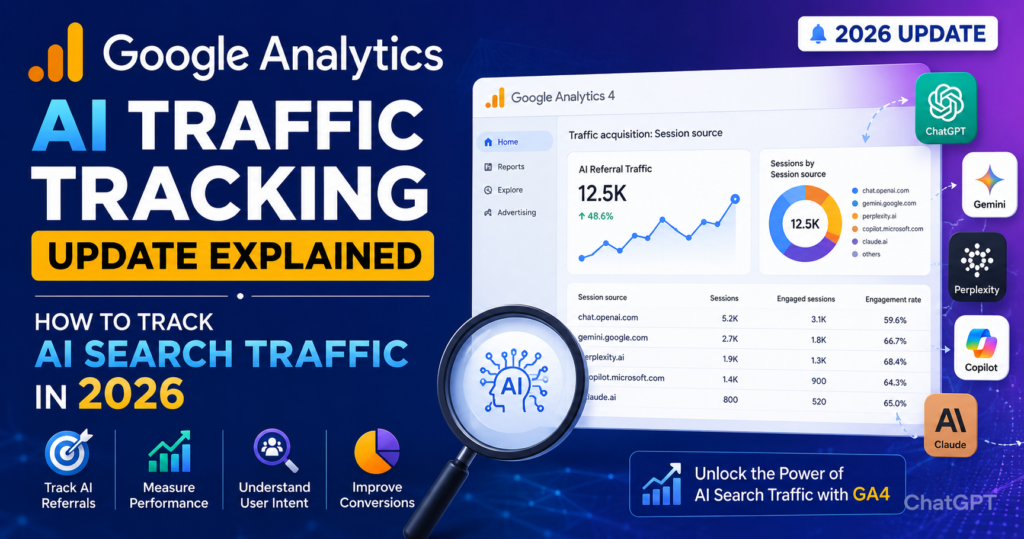
Why Google Analytics AI Traffic Tracking Matters in 2026
Search behavior has changed dramatically.
Earlier, users searched on Google, clicked websites, and browsed multiple pages. Now, AI tools summarize answers instantly and send selective referral traffic.
That means:
- AI traffic is more targeted
- Users arrive with stronger intent
- AI referrals often convert better
- Traditional SEO reports miss AI-driven sessions
This is why businesses now want:
- AI referral reporting
- ChatGPT click tracking
- AI search analytics
- GA4 AI attribution
- AI visibility monitoring
The rise of AI search is also creating a new optimization field called:
- Generative Engine Optimization (GEO)
- Answer Engine Optimization (AEO)
To succeed, you need proper GA4 AI referral traffic tracking.
What Is Google Analytics AI Traffic Tracking?
Understanding AI Traffic in GA4
Google Analytics AI Traffic Tracking refers to tracking visitors coming from AI-powered search engines and conversational platforms.
These platforms include:
- ChatGPT
- Gemini
- Perplexity AI
- Claude
- Copilot
- You.com
- Poe
- AI browser assistants
When users click your website from these AI tools, the traffic can appear inside GA4 as:
- Referral traffic
- Organic traffic
- Direct traffic
- Undefined traffic
The challenge is that many AI platforms do not always pass clean referral data.
That is why marketers now need advanced AI traffic tracking in Google Analytics setups.
Google Analytics AI Search Traffic Update in 2026
What Changed in GA4?
The latest Google Analytics AI search traffic update introduced better visibility for AI referral sources.
GA4 now recognizes more AI domains and conversational search referrers automatically.
Some major improvements include:
- Better source attribution
- Enhanced referral categorization
- AI assistant referral detection
- Improved session tracking
- Cross-platform attribution support
This update helps marketers understand how AI search impacts:
- Organic traffic
- Engagement
- Conversions
- Lead generation
- Revenue
The update also aligns with modern SEO practices focused on:
- AI search optimization
- Conversational queries
- Voice search
- Zero-click behavior
- Semantic relevance
How to Track AI Traffic in Google Analytics (Step-by-Step)
Step 1: Open GA4 Traffic Acquisition Report
To begin Google Analytics AI Traffic Tracking:
- Open GA4
- Go to Reports
- Click Acquisition
- Open Traffic Acquisition
Here you can identify referral sources coming from AI tools.
Look for domains like:
- chat.openai.com
- gemini.google.com
- copilot.microsoft.com
- perplexity.ai
- claude.ai
This is the easiest way to start how to measure AI traffic in GA4.
Step 2: Create a Custom AI Traffic Channel Group
Default GA4 reports may not categorize AI traffic properly.
To improve reporting:
- Go to Admin
- Select Channel Groups
- Create Custom Channel
- Add AI referral domains
Example rule:
- Source contains “openai”
- Source contains “perplexity”
- Source contains “copilot”
Name the channel:
AI Search Traffic
This setup improves GA4 AI referral traffic tracking significantly.
Step 3: Track ChatGPT Traffic in GA4
Many marketers specifically want to track ChatGPT traffic in GA4.
Here is how:
Create a Custom Exploration Report
Inside GA4:
- Open Explore
- Create Free Form Report
- Add dimensions:
- Session source
- Landing page
- Conversions
- Filter source:
- Contains “chatgpt”
- Contains “openai”
Now you can analyze:
- Sessions from ChatGPT
- Top-performing pages
- Conversion rates
- User engagement
This method is extremely useful for content publishers and SEO agencies.
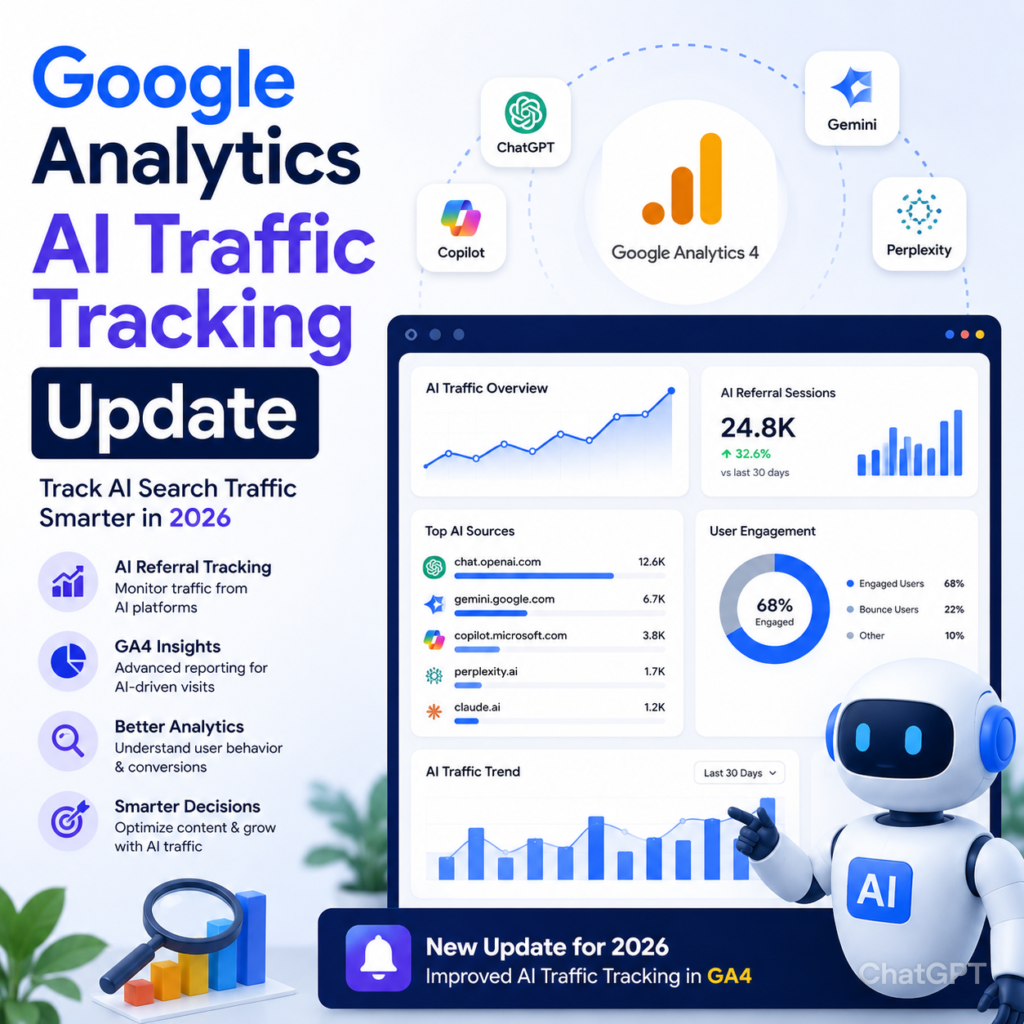
AI Traffic Tracking in Google Analytics for SEO
Why SEO Experts Should Care
AI-driven search is influencing rankings faster than traditional SEO updates.
If your content appears inside:
- AI overviews
- ChatGPT citations
- Perplexity answers
- Gemini summaries
You may receive high-quality referral traffic.
Tracking this data helps you:
- Find winning content
- Improve content structure
- Increase AI visibility
- Optimize for conversational search
- Understand user intent better
That is why Google Analytics AI Traffic Tracking is now part of modern SEO strategy.
Best Metrics to Measure AI Traffic in GA4
Important KPIs to Track
When learning how to measure AI traffic in GA4, focus on these metrics:
1. Sessions
Shows total AI-driven visits.
2. Engagement Rate
Measures user interaction quality.
3. Average Engagement Time
AI users often have stronger intent.
4. Conversions
Track leads, purchases, or form submissions.
5. Landing Pages
Identify which pages AI tools recommend most.
6. Bounce Rate
Understand content quality and user satisfaction.
7. Event Tracking
Track downloads, button clicks, and scroll depth.
These metrics help evaluate your AI visibility performance.
How AI Search Traffic Is Different From Traditional SEO Traffic
| Traditional Search Traffic | AI Search Traffic |
|---|---|
| Keyword-driven | Intent-driven |
| Multiple search results | Single summarized answers |
| Higher browsing behavior | Faster decisions |
| Search engine clicks | AI assistant referrals |
| Ranking focused | Context focused |
AI traffic is usually:
- More targeted
- Lower volume
- Higher quality
- More conversion-focused
This is why businesses are prioritizing AI traffic tracking in Google Analytics.
Best Practices for Google Analytics AI Traffic Tracking
1. Use UTM Parameters
When sharing content with AI tools or plugins, use UTM tags:
- utm_source=chatgpt
- utm_medium=ai_referral
This improves attribution accuracy.
2. Create AI Referral Segments
Build audience segments inside GA4:
- ChatGPT users
- Gemini users
- Perplexity traffic
- AI-generated leads
This allows better campaign analysis.
3. Monitor Landing Pages
AI platforms often send traffic to:
- FAQ pages
- Tutorials
- Statistics pages
- Research content
- Long-form guides
Optimize these pages regularly.
4. Improve Structured Data
Use:
- FAQ schema
- Article schema
- HowTo schema
- Breadcrumb schema
This helps AI systems understand your content better.
5. Optimize for Conversational Queries
AI search engines prefer:
- Natural language
- Direct answers
- Question-based content
- Context-rich paragraphs
This improves AI discoverability.
How AI Traffic Impacts Content Strategy
Content Formats That Perform Best in AI Search
AI systems prefer content that is:
- Clear
- Trustworthy
- Well-structured
- Easy to summarize
- Expert-written
Top-performing formats include:
- Ultimate guides
- Step-by-step tutorials
- FAQ pages
- Comparison posts
- Statistics articles
- Research-backed content
This is why long-form EEAT-focused content is dominating AI search results in 2026.
EEAT and AI Traffic Optimization
Why EEAT Matters More Than Ever
Google Google evaluates:
- Experience
- Expertise
- Authoritativeness
- Trustworthiness
AI search systems also prioritize trusted sources.
To improve AI visibility:
- Add author bios
- Cite reliable sources
- Use real-world examples
- Include expert opinions
- Maintain factual accuracy
Strong EEAT improves:
- AI citations
- Organic rankings
- User trust
- Conversion rates
How Agencies Can Use GA4 AI Referral Traffic Tracking
Benefits for Marketing Agencies
Agencies can use GA4 AI referral traffic tracking to:
- Prove AI SEO ROI
- Track AI-generated leads
- Monitor conversational search growth
- Improve client reporting
- Discover content opportunities
For agencies like Digital Coolie, AI traffic reporting can become a powerful competitive advantage.
Voice Search and AI Traffic Tracking
Why Voice Search Matters
Voice search and AI search are closely connected.
Users now ask:
- “What is the best SEO strategy in 2026?”
- “How do I track ChatGPT traffic in GA4?”
- “Which AI platform sends the most traffic?”
To optimize for voice and AI:
- Use conversational headings
- Add FAQ sections
- Write concise answers
- Use natural language
This improves:
- Featured snippets
- AI citations
- Voice assistant visibility
Common Challenges in AI Traffic Tracking
1. Missing Referral Data
Some AI tools hide referrer information.
Solution:
- Use server-side tracking
- Monitor landing page spikes
- Use UTM parameters
2. AI Traffic Appearing as Direct Traffic
Sometimes AI visitors appear as direct users.
Solution:
- Analyze landing pages
- Compare traffic trends
- Create custom attribution models
3. Limited Reporting
GA4 still has attribution limitations.
Solution:
- Use Looker Studio dashboards
- Combine Search Console + GA4 data
- Build custom reports
Future of AI Traffic Tracking in Google Analytics
What to Expect Next
The future of Google Analytics AI Traffic Tracking will include:
- Dedicated AI traffic channels
- AI attribution modeling
- AI user journey analysis
- Predictive AI traffic insights
- Better conversational search reporting
As AI search grows, tracking AI visibility will become as important as keyword rankings.
Advanced Tips to Measure AI Traffic in GA4
Build a Custom AI Dashboard
Use:
- GA4 Explorations
- Looker Studio
- BigQuery integrations
Track:
- AI sessions
- AI conversions
- AI engagement
- AI-assisted revenue
This helps create executive-level reporting.
Monitor AI Citation Pages
Pages frequently cited by AI systems often:
- Gain backlinks
- Improve rankings
- Increase brand authority
Track these pages carefully.
How to Optimize Content for AI Search Traffic
Content Optimization Checklist
Use Clear Headings
AI tools scan headings quickly.
Add FAQ Sections
Improves snippet opportunities.
Use Short Paragraphs
Enhances readability.
Include Statistics
Builds trust.
Answer Questions Directly
Improves AI extraction.
Use Semantic Keywords
Supports contextual relevance.
Maintain Fresh Content
AI systems prioritize updated information.
FAQs – Google Analytics AI Traffic Tracking
What is Google Analytics AI Traffic Tracking?
Google Analytics AI Traffic Tracking helps website owners measure visitors coming from AI-powered search platforms like ChatGPT, Gemini, Copilot, and Perplexity.
How do I track ChatGPT traffic in GA4?
To track ChatGPT traffic in GA4, create custom reports using session source filters such as:
- chat.openai.com
- openai
- chatgpt
You can also create custom channel groups for AI referrals.
What is GA4 AI referral traffic tracking?
GA4 AI referral traffic tracking refers to monitoring referral traffic generated from AI search engines and conversational platforms inside Google Analytics 4.
How to measure AI traffic in GA4?
You can measure AI traffic using:
- Traffic acquisition reports
- Custom channel groups
- Exploration reports
- Referral source filters
- UTM tracking
This improves AI traffic tracking in Google Analytics.
Why is AI traffic important for SEO?
AI traffic is highly targeted and often converts better than traditional organic traffic. It also indicates strong visibility inside AI-powered search systems.
Google Analytics AI Traffic Tracking
The future of SEO is no longer limited to traditional search engines.
AI-powered discovery platforms are rapidly changing how users find information online. Because of this, Google Analytics AI Traffic Tracking is becoming essential for every marketer, SEO expert, publisher, and business owner.
If you want to grow in 2026, you must: – Google Analytics AI Traffic Tracking
- Track AI referrals
- Monitor conversational search
- Optimize for AI systems
- Improve EEAT signals
- Build AI-friendly content
Businesses that adapt early will gain a major advantage in both traditional SEO and AI-driven search visibility.
The rise of AI search is not replacing SEO – it is evolving it.
And the smartest marketers are already preparing for it.