
Google Business Profile Data in Google Analytics – What It Means for Local SEO and Business Tracking
Google has introduced a major update that brings Google Business Profile Data in Google Analytics directly into GA4 reporting. This new integration helps businesses understand how customers interact with their business listings on Google Search and Google Maps while also connecting those interactions with website and app performance data.
For local businesses, agencies, marketers, and multi-location brands, this update represents a significant improvement in measuring customer journeys and local search performance. Instead of switching between multiple dashboards, users can now access important Google Business Profile Analytics metrics within Google Analytics.
The new feature creates a more complete picture of customer behavior, allowing businesses to track website visits, calls, directions, messages, bookings, and other interactions from Google Search and Maps.
In this guide, you’ll learn everything about Google Business Profile Data in Google Analytics, how it works, what metrics are available, how it impacts local SEO, and how businesses can use these insights to improve performance.
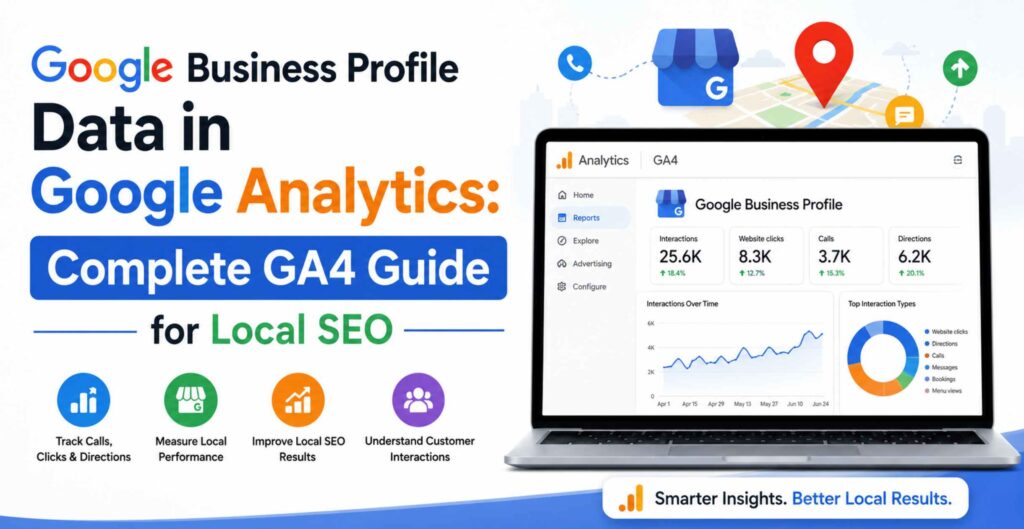
What is Google Business Profile Data in Google Analytics?
Google Business Profile Data in Google Analytics is a new GA4 integration that allows businesses to connect their Google Business Profile with Google Analytics and view important local engagement metrics such as:
- Website clicks
- Phone calls
- Direction requests
- Messages
- Bookings
- Menu interactions
- Overall profile interactions
This integration helps businesses understand how customers discover and engage with them through Google Search and Google Maps while connecting those actions with website analytics.
Why This Update Matters – Google Business Profile Data in Google Analytics
For years, businesses had to rely on separate dashboards:
- Google Analytics for website data
- Google Business Profile for local visibility metrics
- Google Ads for advertising insights
Now, Google is combining these data sources more effectively.
The result is:
- Better local search performance tracking
- Improved customer journey analysis
- Enhanced marketing attribution
- Centralized reporting
- Better decision-making for local SEO campaigns
This is especially valuable for businesses that depend heavily on local customers.
What is Google Business Profile Data in Google Analytics?
The new integration allows businesses to link one or more Google Business Profiles directly to a GA4 property.
Once connected, Google Analytics imports selected Business Profile metrics into dedicated reports.
These metrics help answer questions such as:
- How many customers clicked my website from Google Search?
- How many people requested directions?
- How many phone calls came from my listing?
- How often do users interact with my profile?
Previously, these insights existed only inside Google Business Profile. Now they are available alongside website engagement data.
This creates a unified view of customer interactions across multiple touchpoints.
How Does Google Analytics Collect Google Business Profile Traffic?
Google gathers engagement signals from your Business Profile and transfers those metrics into your connected GA4 property.
The integration works through direct linking between:
- Google Analytics Property
- Google Business Profile
After the connection is established, Google aggregates Business Profile engagement data and displays it within GA4 reports.
The data includes interactions occurring on:
- Google Search
- Google Maps
Examples include:
- Clicking your website
- Calling your business
- Requesting directions
- Sending messages
- Booking appointments
This makes Google Analytics Google Business Profile reporting much more comprehensive.
Benefits of Google Analytics Google Business Profile Integration
1. Centralized Reporting
Businesses can view local listing performance without switching platforms.
Everything becomes available inside GA4.
Benefits include:
- Faster reporting
- Simplified analysis
- Better stakeholder communication
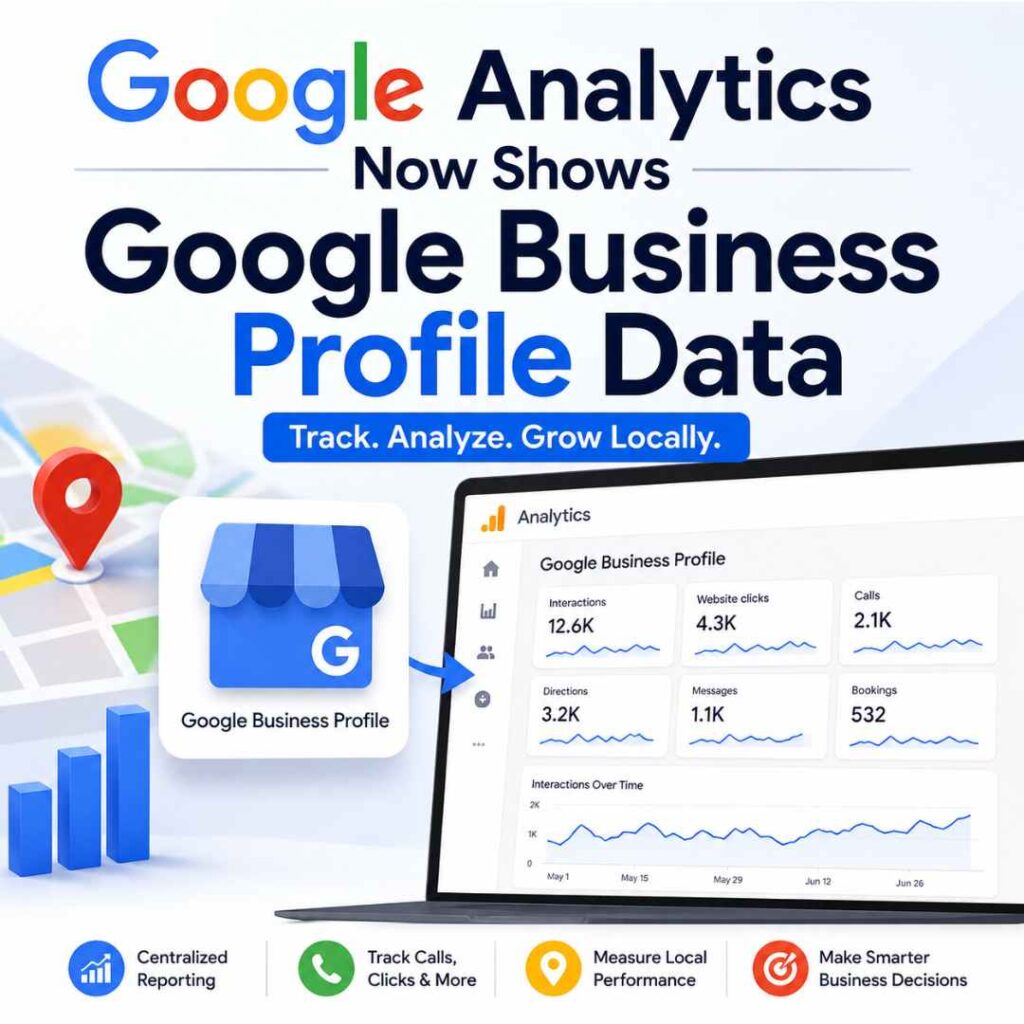
2. Understand Local Customer Behavior
Businesses gain deeper visibility into:
- Search interactions
- Maps engagement
- Customer actions
This allows marketers to understand which local efforts are generating actual customer interest.
3. Better Marketing Attribution
One major challenge in local SEO is measuring offline actions.
Now businesses can connect:
- Paid advertising campaigns
- Organic local SEO efforts
- Business Profile interactions
This creates a stronger attribution model.
4. Holistic Customer Journey Analysis
Customers rarely take a straight path.
A typical journey may look like:
- Search business on Google
- View Business Profile
- Click website
- Read services
- Contact company
The new integration helps track more of this process.
5. Multi-Location Business Reporting
Brands with multiple locations benefit significantly.
Google Analytics aggregates data from all linked profiles, making reporting easier for:
- Franchises
- Retail chains
- Healthcare organizations
- Service-area businesses
Available Google Business Profile Analytics Metrics
After linking accounts, businesses gain access to several key metrics.
Interactions – Google Business Profile Data in Google Analytics
Total engagement actions taken on your profile.
Examples include:
- Calls
- Directions
- Website clicks
- Messages
Website Clicks
Tracks users who visit your website from your Business Profile.
This is one of the most valuable indicators of customer intent.
Calls
Measures calls initiated directly from your listing.
Phone call tracking remains a crucial metric for local businesses.
Directions
Shows how many users requested navigation directions.
This metric is particularly useful for:
- Restaurants
- Retail stores
- Clinics
- Local service providers
Messages
Tracks messages initiated through Business Profile communication features.
Bookings
Measures appointment bookings generated through profile integrations.
Ideal for:
- Salons
- Medical practices
- Consultants
- Fitness centers
Menu Interactions
Relevant for restaurants and food businesses.
Tracks customer interactions with menu content.
Can You Track Google Maps Visits in Google Analytics?
Yes, Partially.
One of the most common questions businesses ask is:
Can Google Maps traffic be measured in Google Analytics?
The answer is yes.
The new integration includes engagement metrics generated through Google Maps.
Businesses can measure:
- Direction requests
- Website clicks
- Calls
- Other profile interactions
However, Google Analytics does not provide individual user-level Maps tracking.
Instead, it provides aggregated engagement metrics.
This still offers valuable insight into Google Maps traffic analytics and customer intent.
How Does This Update Help Local SEO?
The integration provides a major advantage for local SEO professionals.
Improved Local SEO Measurement
Businesses can better understand:
- Which listings drive engagement
- How users interact with local profiles
- Whether optimization efforts are producing results
Better Performance Tracking
Local SEO campaigns can now be evaluated using:
- Website clicks
- Calls
- Directions
- Messages
These are often stronger indicators of success than rankings alone.
Stronger Decision-Making
Businesses can identify:
- High-performing locations
- Underperforming profiles
- Seasonal engagement trends
This enables more data-driven optimization.
Google Analytics Local SEO Reporting: New Opportunities
The arrival of Google Analytics local SEO reporting opens several strategic opportunities.
Measure Profile Optimization Success
Track how updates affect performance:
- New photos
- Business descriptions
- Categories
- Products
- Services
Evaluate Local Marketing Campaigns
Businesses can compare:
- Ad campaigns
- Local SEO efforts
- Promotional events
against Business Profile engagement metrics.
Identify Customer Intent
Calls and direction requests often indicate stronger purchase intent than page views.
These metrics provide better insight into customer readiness.
Who Should Use Google Business Profile Data in GA4?
This feature benefits nearly every local business.
Small Businesses
- Restaurants
- Salons
- Law firms
- Clinics
Multi-Location Brands
- Retail chains
- Franchise businesses
- Healthcare networks
Marketing Agencies
Agencies can now provide more comprehensive reporting for clients.
Local SEO Specialists
Professionals managing local search visibility gain stronger performance metrics.
How to Connect Google Business Profile to Google Analytics
Prerequisites
You need:
- Editor or Administrator access in GA4
- Owner or Manager access in Google Business Profile
Step-by-Step Setup – Google Business Profile Data in Google Analytics
Step 1
Open Google Analytics.
Step 2
Go to:
Admin → Product Links → Google Business Profile Links
Step 3
Click Link.
Step 4
Choose the Business Profiles you manage.
Step 5
Review data-sharing settings.
Step 6
Confirm the connection.
Once linked, a dedicated Google Business Profile reporting collection becomes available inside GA4.
Important Limitations to Know
Although the integration is powerful, it has some restrictions.
Aggregated Data Only
If multiple profiles are linked:
- Data is combined
- Individual profile segmentation is unavailable
Limited Customization
Google Business Profile metrics cannot currently be used in:
- Explorations
- Custom reports
- Comparisons
Six-Month Data Window
Google retains Business Profile metrics for:
Last 6 months only
Longer date ranges will not display additional GBP data.
No Subproperty Support
The integration does not work with GA4 subproperties.
How Can Businesses Improve Local Search Performance Using These Insights?
The new reporting data becomes valuable only when used strategically.
Optimize High-Performing Locations
Identify locations generating:
- Calls
- Website clicks
- Direction requests
Analyze why they succeed.
Improve Weak Listings
Review:
- Categories
- Photos
- Reviews
- Services
- Business descriptions
for lower-performing profiles.
Monitor Seasonal Trends
Track engagement spikes during:
- Holidays
- Promotions
- Local events
Strengthen Local Content
Use insights to create:
- Location pages
- Local blog posts
- City-specific landing pages
Improve Customer Experience
High profile views but low engagement may indicate:
- Weak offers
- Poor reviews
- Incomplete information
Use the data to identify opportunities.
Best Practices for Using Google Business Profile Traffic Data
To maximize value:
Keep Business Information Accurate
Maintain consistency for:
- Name
- Address
- Phone Number
Upload Fresh Photos
Businesses with updated visual content often see stronger engagement.
Respond to Reviews
Active review management improves trust and visibility.
Monitor Calls and Directions
These often represent high-intent customer actions.
Review Metrics Monthly
Establish regular reporting cycles to spot trends early.
Future Impact on Local SEO – Google Business Profile Data in Google Analytics
This update signals Google’s continued focus on integrated measurement.
As local search becomes more important, businesses need better visibility into:
- Search interactions
- Maps engagement
- Website behavior
The addition of Google Business Profile Data in Google Analytics helps bridge these gaps.
Future enhancements may include:
- More detailed attribution
- Additional engagement metrics
- Deeper local SEO reporting capabilities
Businesses that begin leveraging these insights today will be better positioned to compete in local search tomorrow.
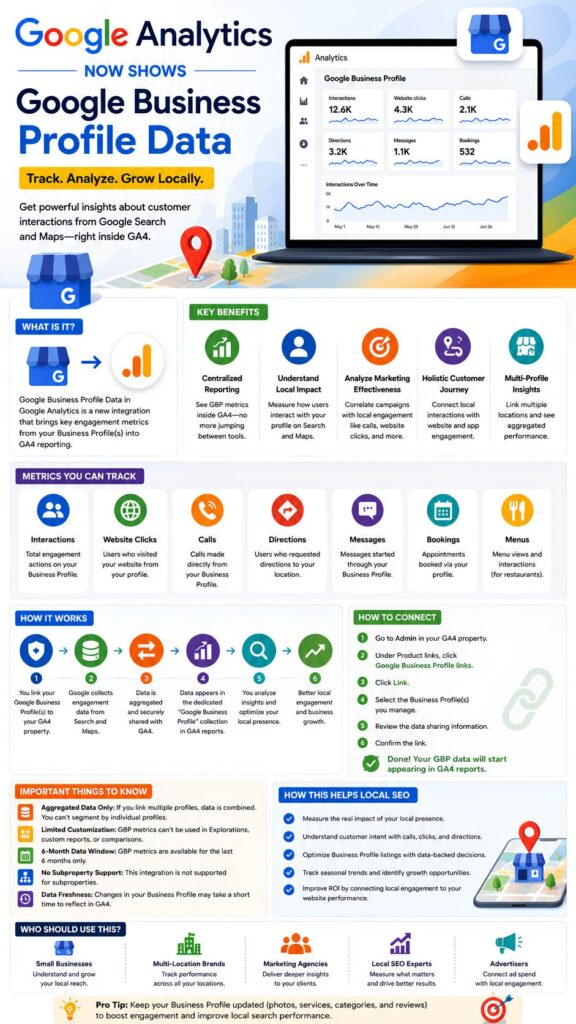
Conclusion – Google Business Profile Data in Google Analytics
The introduction of Google Business Profile Data in Google Analytics is one of the most significant local SEO reporting updates in recent years.
By bringing Business Profile engagement metrics directly into GA4, Google enables businesses to better understand customer interactions across Search, Maps, and websites.
The integration offers:
- Centralized reporting
- Better local SEO measurement
- Improved marketing attribution
- Enhanced customer journey visibility
- Stronger business intelligence
For local businesses, marketers, and agencies, linking Google Business Profile with Google Analytics should become a priority.
The businesses that effectively use these insights will gain a clearer understanding of customer behavior and a stronger competitive advantage in local search.
FAQs – Google Business Profile Data in Google Analytics
Does Google Analytics show Google Business Profile data?
Yes. Google now allows businesses to link Google Business Profiles with GA4 and view aggregated Business Profile metrics such as calls, website clicks, directions, messages, bookings, and interactions directly within Google Analytics.
How do I track Google Business Profile traffic in GA4?
You can track Google Business Profile traffic in GA4 by linking your Business Profile through:
Admin → Product Links → Google Business Profile Links
Once connected, dedicated reports become available inside Google Analytics.
Can Google Maps traffic be measured in Google Analytics?
Yes. The integration includes aggregated engagement metrics generated from Google Maps, including direction requests, calls, and website clicks.
What is the benefit of Google Business Profile reporting?
Google Business Profile reporting provides centralized visibility into customer interactions from Search and Maps, helping businesses improve local SEO measurement and marketing performance.
How accurate is Google Business Profile data in GA4?
The data comes directly from Google Business Profile systems and is generally reliable for measuring engagement trends, customer actions, and local search performance. However, metrics are aggregated and may not provide individual user-level detail.
What metrics are available from Google Business Profile reporting?
Available metrics include:
- Interactions
- Website Clicks
- Calls
- Directions
- Messages
- Bookings
- Menus
Who should use Google Business Profile data in GA4?
Local businesses, agencies, marketers, franchise operators, retail brands, healthcare providers, and local SEO professionals can all benefit from these insights.
How does this update help local SEO?
The update helps businesses measure customer interactions from Google Search and Maps more effectively, enabling better optimization decisions and stronger local SEO performance.