
Introduction – Google Search Console Internal Links Not Showing
Why Google Search Console Internal Links Not Showing in 2026
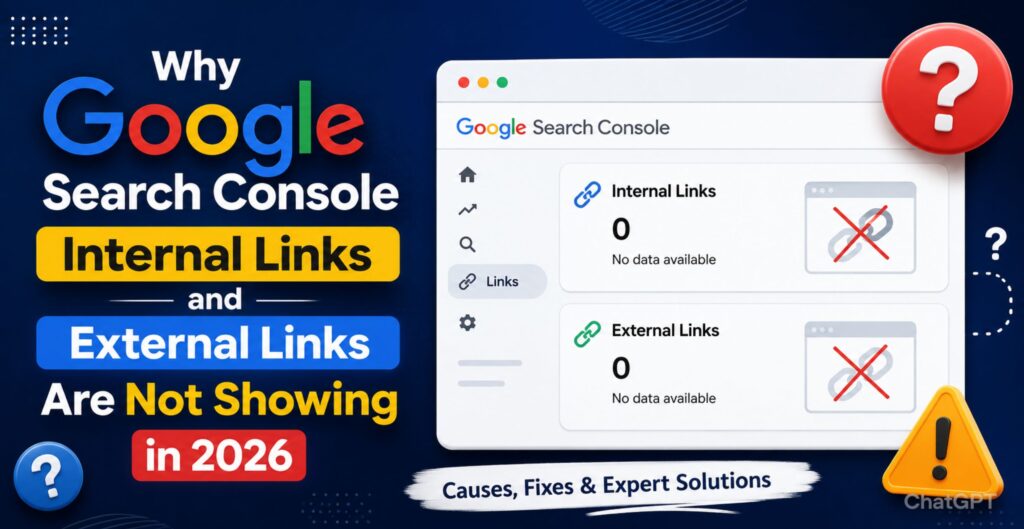
If you recently opened your Google Search Console account and noticed that the links report is incomplete, empty, delayed, or missing entirely, you are not alone. The issue of Google Search Console internal links not showing has become one of the most discussed SEO problems in 2026.
Many website owners, SEO professionals, bloggers, and agencies are reporting that internal links, backlinks, and external links are either disappearing from reports or not updating correctly.
Some websites are showing: – Google Search Console internal links not showing
- Zero internal links
- Missing backlinks
- Delayed external link data
- Blank “Top linked pages” sections
- Inconsistent GSC link reports
Naturally, this has created panic among marketers and businesses that depend on Google Search Console for SEO monitoring.
The good news?
In most cases, your website is not penalized.
This article explains: – Google Search Console internal links not showing
- Why Google Search Console internal links are not showing
- Whether this is a GSC links report bug
- How Google’s reporting system changed in 2026
- How to fix GSC links report issues
- What to do if Google Search Console backlinks are missing
This guide is written according to modern SEO, AEO, GEO, and AI search optimization standards so that users and AI-powered search engines can easily understand the content.
What Is the Google Search Console Links Report?
Google Search Console (GSC) provides a dedicated Links Report where website owners can monitor:
- Internal links
- External links
- Top linked pages
- Top linking sites
- Anchor text distribution
The report helps SEOs understand how Google views website structure and authority.
There are two major sections:
- Internal Links
- External Links / Backlinks
When this report stops showing data, many assume there is a technical SEO problem. However, in 2026, multiple factors are contributing to the issue.
Why Google Search Console Internal Links Not Showing in 2026
1. Google Search Console Reporting Delays
One of the biggest reasons behind Google Search Console internal links not showing is delayed indexing and reporting.
In 2026, Google changed how link data is processed. Instead of showing near real-time updates, GSC now refreshes link reports in batches.
This means:
- New pages may not appear immediately
- Internal links can temporarily disappear
- Link counts may fluctuate daily
Google is prioritizing:
- AI-generated search systems
- Spam filtering
- Link quality analysis
- Crawl efficiency
Because of this, reporting delays are more common than before.
Signs of reporting delay:
- Links suddenly drop to zero
- Reports appear empty temporarily
- Internal links return after a few days
- Backlink data fluctuates heavily
Google Search Console External Links Missing? Here’s Why
Another major complaint in 2026 is:
“Google Search Console external links missing”
This issue is affecting thousands of websites globally.
The reasons include:
Google’s New Spam Detection Filters
Google is aggressively filtering:
- Low-quality backlinks
- AI-generated spam links
- Toxic directories
- Manipulative link networks
As a result, many backlinks are no longer visible inside GSC.
Link Consolidation Updates
Google now groups similar backlinks together instead of displaying every URL individually.
Crawl Budget Optimization
Google is crawling fewer low-value pages. If your backlinks exist on poorly indexed websites, they may disappear from reports.
Is This a GSC Links Report Bug?
Yes, partially.
Many SEO communities and experts believe there is an active GSC links report bug in 2026.
Several users reported:
- Missing internal links
- Incorrect backlink counts
- Delayed indexing
- Empty reports after migrations
- Random fluctuations
Even websites with strong technical SEO setups experienced the same problem.
This indicates that the issue is not always website-related.
What Google Has Indicated
Google has hinted that:
- Link reporting systems are evolving
- Some reports may temporarily show incomplete data
- Processing delays can occur during infrastructure updates
So if your reports suddenly changed overnight, don’t panic immediately.
Internal Links Not Showing in Search Console After Website Changes
If you recently made changes to your website, that may also explain why internal links not showing in Search Console is happening.
Common triggers include:
- Website redesign
- URL structure updates
- Migration to HTTPS
- New CMS setup
- WordPress theme changes
- JavaScript rendering issues
Google may need time to:
- Re-crawl the website
- Re-evaluate page relationships
- Process updated architecture
How Internal Links Help SEO in 2026
Internal linking remains one of the strongest SEO strategies.
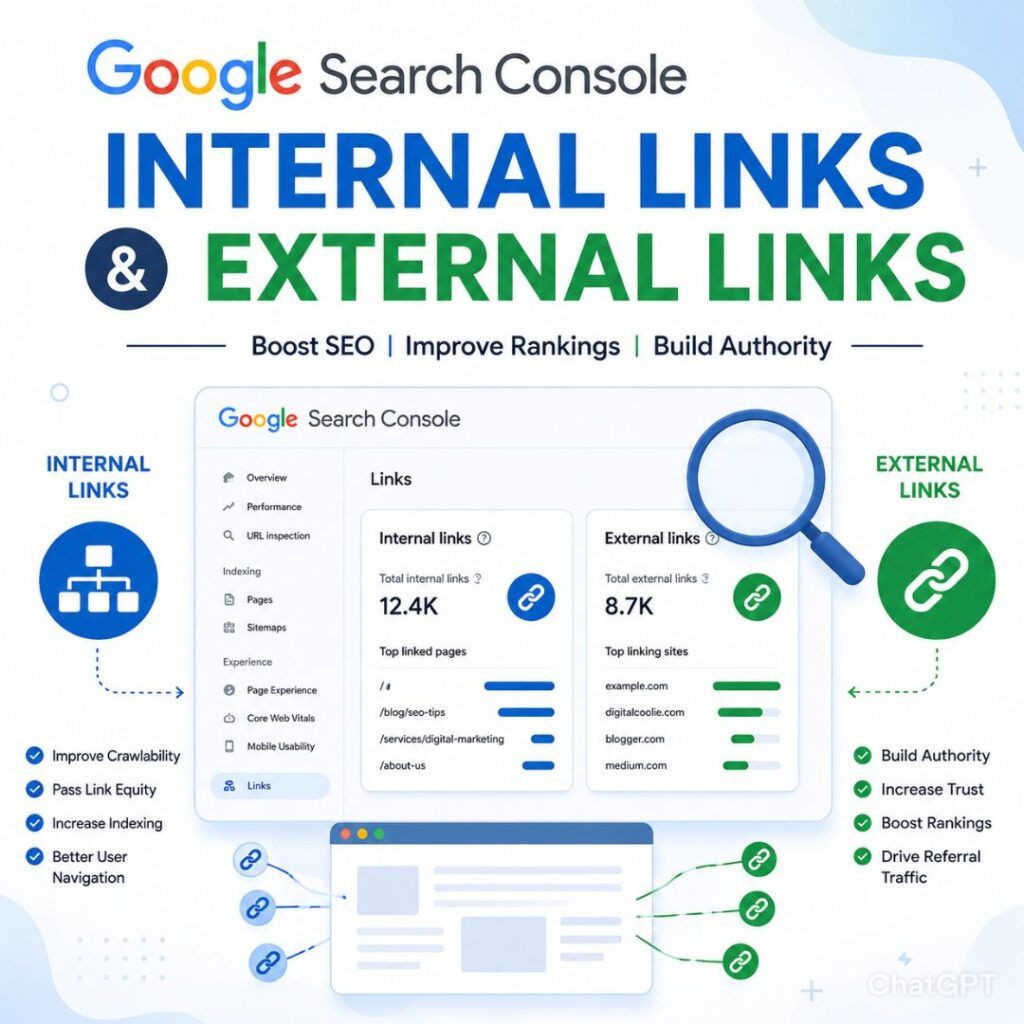
Internal links help:
- Pass authority between pages
- Improve crawlability
- Enhance topical relevance
- Increase page indexing
- Improve user navigation
Even if GSC is not showing your internal links properly, Google may still be using them algorithmically.
That’s important to understand.
Missing reports do not always mean missing SEO value.
How to Fix GSC Links Report Issue
If you are searching for how to fix GSC links report issue, follow these steps carefully.
1. Check if Pages Are Indexed
Search:
site:yourdomain.comIf pages are not indexed, internal links may not appear.
2. Inspect URLs in Google Search Console
Use the URL Inspection Tool and verify:
- Page is crawlable
- Canonical tags are correct
- Noindex tags are absent
- Robots.txt is not blocking pages
3. Improve Internal Linking Structure
Ensure:
- Every important page has internal links
- Navigation menus are crawlable
- Anchor texts are descriptive
- Pages are not orphaned
4. Avoid JavaScript-Only Links
Google still struggles with some JavaScript-rendered navigation systems.
Use:
- Standard HTML links
- Crawlable menus
- Static anchor tags
Avoid:
- Button-only navigation
- Hidden JS links
- Complex SPA frameworks without SSR
5. Submit Updated Sitemap
A fresh sitemap helps Google reprocess site architecture faster.
Include:
- Updated URLs
- Canonical pages only
- Clean structure
6. Wait for Data Refresh
Sometimes the issue is simply a reporting delay.
GSC may take:
- Several days
- Weeks
- Multiple crawl cycles
before links reappear.
Google Search Console Backlinks Not Showing: What to Do
If your backlinks disappeared, follow these steps.
Verify Backlink Quality
Google may ignore:
- Spam links
- Paid links
- AI-generated links
- Irrelevant directories
Focus on:
- Editorial backlinks
- Industry mentions
- Niche relevance
- Authority websites
Use Multiple SEO Tools
Do not rely only on GSC.
Use:
- Ahrefs
- Semrush
- Majestic
- Moz
Each tool has different crawlers.
Check Manual Actions
Inside GSC:
Security & Manual Actions → Manual Actions
Ensure no penalties exist.
Can AI Content Cause Internal Links Not Showing?
In 2026, AI-generated content exploded across the web.
Google now aggressively evaluates:
- Thin AI content
- Automated spam pages
- Mass-generated articles
If your website publishes low-quality AI content at scale:
- Google may crawl fewer pages
- Internal link reporting may reduce
- Crawl budget may shrink
That’s why EEAT matters more than ever.
EEAT Best Practices for Better Link Visibility
To improve Google trust signals:
Demonstrate Experience
Share:
- Real examples
- Case studies
- Screenshots
- Expert insights
Build Authority
Create:
- Helpful resources
- Original research
- Unique insights
Improve Trust
Use:
- HTTPS
- Clear author profiles
- Contact information
- Transparent policies
How Google’s AI Search Is Changing Link Reporting
Google’s AI-powered search systems now focus more on:
- Entity relationships
- Topical authority
- Contextual understanding
- User intent
This means traditional link metrics are evolving.
In 2026:
- Raw backlink quantity matters less
- Contextual relevance matters more
- Internal topic clusters are critical
Google may no longer expose every signal publicly inside Search Console.
Why are Google Search Console internal links not showing?
Google Search Console internal links may not show because of reporting delays, crawl issues, indexing problems, JavaScript rendering, spam filtering, or temporary GSC bugs in 2026.
Quick Checklist to Fix Internal Links Not Showing in Search Console
Technical SEO Checklist
- Check indexing status
- Remove noindex tags
- Verify robots.txt
- Improve crawlability
- Update sitemap
- Fix broken links
- Avoid JS-only navigation
Content SEO Checklist
- Build topical clusters
- Add contextual internal links
- Use descriptive anchors
- Improve EEAT
GSC Monitoring Checklist
- Wait for report refresh
- Monitor crawl stats
- Compare with other SEO tools
- Track indexing trends
Common Mistakes Website Owners Make
Panic Removing Links
Some users start changing website structures unnecessarily.
Avoid doing that immediately.
Assuming Google Penalized the Site
Missing reports do not automatically mean penalties.
Overusing AI Content
Publishing thousands of thin AI pages can reduce crawl trust.
Ignoring Technical SEO
Poor site architecture still affects internal linking visibility.
Expert SEO Advice for 2026
Here’s the reality:
Google Search Console is becoming more selective with reporting.
SEO professionals should focus less on:
- Raw numbers
- Vanity metrics
and more on:
- Crawl efficiency
- User experience
- Topical authority
- Helpful content
If your pages are indexed and ranking, temporary GSC reporting issues are usually not catastrophic.
Future of Google Search Console Links Reports
The future of GSC reporting will likely include:
- AI-based site insights
- Entity-level reporting
- Quality-based link evaluation
- Reduced spam visibility
- More aggregated data
SEO is moving toward semantic relevance rather than traditional backlink counting alone.
FAQs – Google Search Console internal links not showing
Why is Google Search Console internal links not showing?
The issue usually occurs because of indexing delays, crawl problems, JavaScript rendering, sitemap issues, or temporary GSC reporting bugs.
Why are Google Search Console external links missing?
Google may filter spammy or low-quality backlinks. Reporting delays and crawl limitations can also cause missing external links.
Is there a GSC links report bug in 2026?
Yes, many SEO professionals reported inconsistencies in Google Search Console links reports during 2026.
How to fix GSC links report issue?
You can fix the issue by:
- Checking indexing
- Updating sitemaps
- Improving internal linking
- Fixing crawlability
- Waiting for Google’s report refresh
Why are internal links not showing in Search Console after redesign?
After redesigns or migrations, Google needs time to reprocess your website structure and internal relationships.
Why are Google Search Console backlinks not showing?
Google may ignore low-quality backlinks or delay reporting updates due to spam filtering and indexing limitations.
Google Search Console internal links not showing
The issue of Google Search Console internal links not showing has become increasingly common in 2026.
But in most cases:
- Your rankings are not lost
- Your links still exist
- Google is still crawling your website
The problem is often related to:
- Reporting delays
- System updates
- AI-driven spam filtering
- Crawl prioritization
Instead of panicking, focus on:
- Strong technical SEO
- Helpful content
- Smart internal linking
- EEAT optimization
- User experience
As Google continues shifting toward AI-powered search experiences, websites with strong topical authority and trustworthy content will continue to perform well — even when reporting tools appear inconsistent.
For more SEO insights, advanced AI SEO strategies, and technical SEO updates, visit Digital Coolie.